
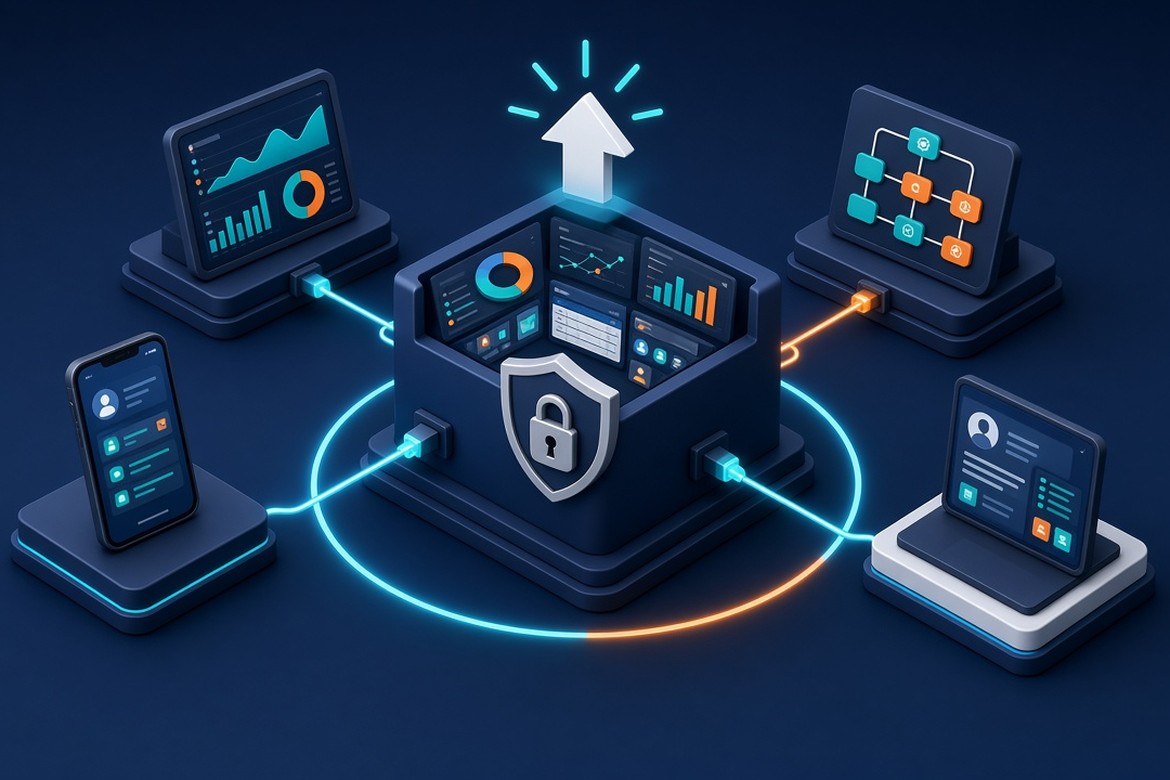
Most ERP and CRM platforms arrive close to what your business needs, but rarely all the way there. A pricing rule, an approval step or a customer portal is missing, and the quickest fix is to change the platform itself. Years later, those changes can make every upgrade slow and expensive. A clean core approach to ERP and CRM extensions keeps the flexibility without taking on that burden.
Why Customizations Become a Burden
For most of the history of packaged business software, customizing meant editing the vendor's code or data model directly. It worked, and it let companies make the software fit their processes. The cost showed up later. Every upgrade meant finding, retesting and often rewriting those changes, so many organizations postponed upgrades and fell behind on new features and fixes.
Cloud delivery has changed the rhythm. Salesforce, for example, delivers three major releases a year and applies them automatically, with sandbox previews a few weeks ahead so customers can test their customizations and integrations. Microsoft and SAP have also moved their ERP platforms toward frequent, predictable updates. When the platform moves forward on a schedule, the way you extend it matters more than ever.
What "Clean Core" Means
The major vendors now describe the same principle in different words. SAP calls it clean core: extensions are kept separate from the standard application and access business objects only through released, upgrade-stable interfaces, so upgrades do not break extensions and extensions do not break upgrades. In Microsoft Dynamics 365 Finance and Operations, extensions are now the only supported customization model; the older practice of overlayering Microsoft's code is no longer allowed, which lets Microsoft patch and upgrade the application without conflicting with customer code.
The common thread is simple. Treat the vendor's platform as a product you build on, not a codebase you own. Add what you need around it, through the extension points and APIs the vendor supports.
Three Ways to Extend an ERP or CRM
Clean core does not mean "no changes." It means choosing the right type of change for each need. Most extension work falls into one of three patterns:
SAP's own guidance reflects this split. It recommends on-stack extensions for logic that is tightly coupled to the ERP and needs transactional consistency, and side-by-side extensions for loosely coupled functionality, such as stand-alone apps or tools for external users who do not have an ERP account. Many business requirements end up using a combination of both.
A Practical Approach for Leaders
1. Inventory What You Already Have
Most mature ERP and CRM environments carry years of customizations. List them, note which ones are still used, and flag those that modify standard code or rely on unsupported interfaces. This gives you a realistic view of upgrade risk and a list of candidates to retire, replace with standard features or rebuild as extensions.
2. Ask "Configure, Extend or Build Beside?" for Every Request
Before any new change, check whether standard configuration already covers it. If not, decide whether it belongs inside the platform or beside it. A simple decision guide, agreed between business and IT, keeps these choices consistent across teams and vendors.
3. Make APIs and Events the Default Contract
Side-by-side applications and integrations should use the vendor's published APIs and events, not direct database access. That keeps your extensions working as the platform evolves, and it creates reusable building blocks for future projects, including AI tools that need governed access to business data.
4. Test Against Every Release
With vendors shipping updates several times a year, automated regression tests for critical processes and integrations are worth the investment. Use the preview or sandbox windows vendors provide to run them before each release reaches production.
5. Refactor Gradually
Moving older customizations to a clean model is usually a series of steps, not a single project. Microsoft notes that converting overlayered code to extensions can be a major undertaking, and that the payoff is a smoother, more seamless upgrade process. Prioritize the customizations that block upgrades or change most often.
A Common Scenario
Consider a pattern seen across many industries. A distributor wants to give its key accounts a self-service portal to check order status, download invoices and request quotes. The quickest option would be to add custom screens and tables inside the ERP. Instead, the team builds the portal as a separate web application that reads order and invoice data through the ERP's APIs and sends quote requests into the CRM as events.
Business rules that must stay in the ERP, such as credit checks, remain there as supported extensions. When the next platform release arrives, the team runs its regression suite in the preview environment and upgrades on schedule, while the portal keeps its own release cycle and can add features every few weeks.
Extensions as Part of a Broader Engineering Strategy
ERP and CRM extension work touches nearly everything around it: master data, legacy applications, integration platforms and the AI initiatives that depend on reliable business data. The organizations that handle it well treat extensions as real software products, with architecture decisions, code reviews, automated tests and clear ownership, rather than one-off tweaks.
How TISA Software Can Help
TISA Software is an AI-first software engineering company with offices in Houston, Texas and Buenos Aires, Argentina, and an ISO 9001:2015-certified quality management system. We help organizations extend their business platforms in ways that keep them easy to upgrade:
- ERP and CRM extension experience, including Microsoft Dynamics CRM and data-intensive business applications.
- Software Factory teams that can own side-by-side applications, APIs and integration workstreams end to end.
- Staff augmentation to add experienced engineers to your existing platform team.
- AI-assisted engineering practices that help our teams analyze existing customizations and code more efficiently.
If your ERP or CRM has become harder to change or upgrade, we'd be glad to help you find a practical place to start. Contact us to start the conversation.